

Calendar view added for events
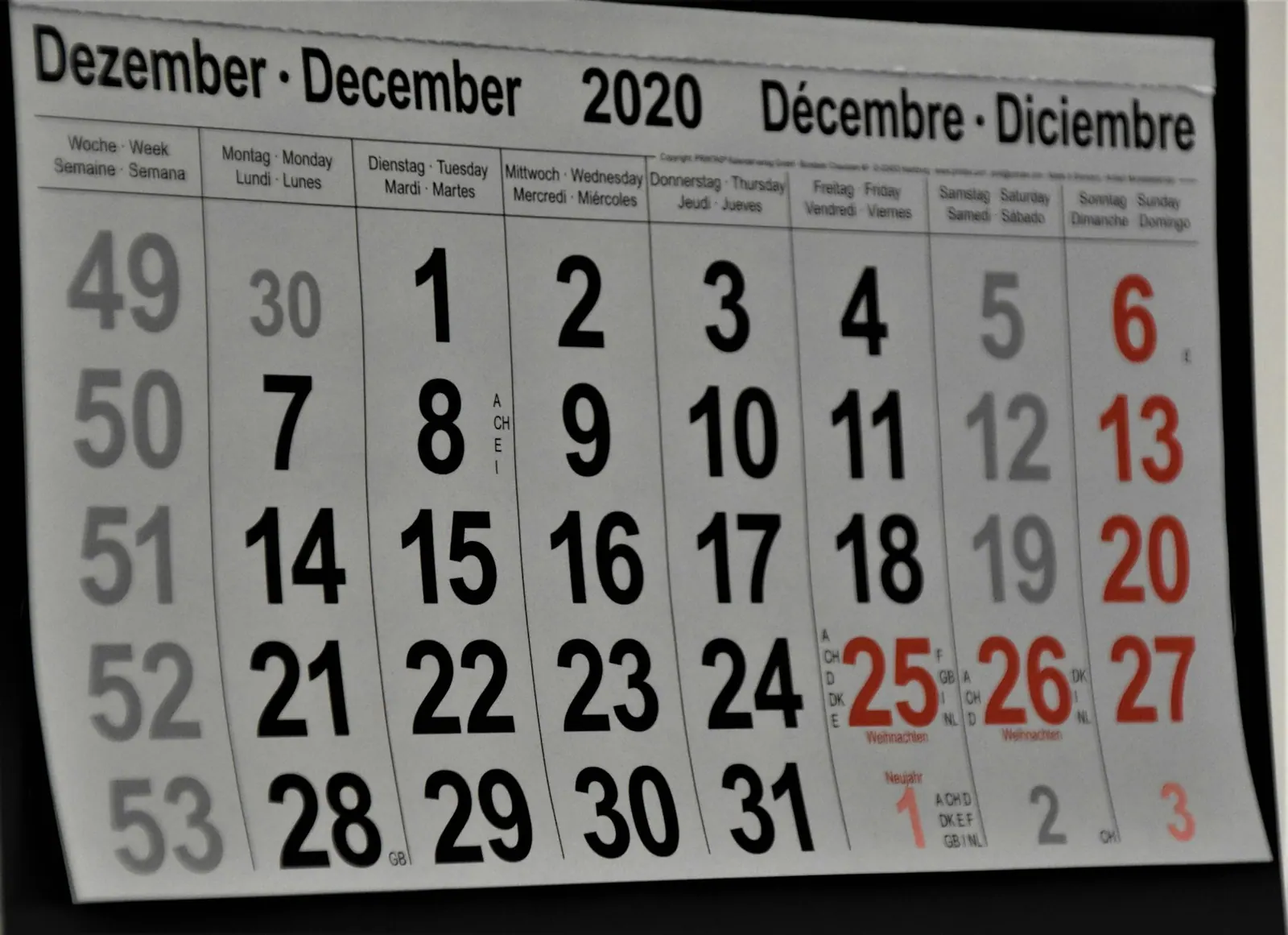
Release 2.91 changed the Events tab to open on a month calendar, so residents could see what was on in their community before they scrolled the feed.
A month at a glance
The Events tab began opening on a calendar rather than a list. Days carrying an event were marked, and tapping a day showed everything scheduled for it.
The list view remained available for anyone who preferred it, one tap away at the top of the tab.
What administrators got
Events were still created the same way in the admin portal. The calendar added a few tools for keeping a busy schedule organized.
Why it helped
A list shows what is next. A calendar shows how the month fits together, which made it easier for residents to plan around meetings, programs and facility bookings.
Availability
Calendar view was switched on by default for every community. Nothing had to be re-entered, and existing events appeared in it immediately.
Thirty minutes, a real person, and a look at your own feed inside the platform.